Find the Eight Planets in a 3D Solar System
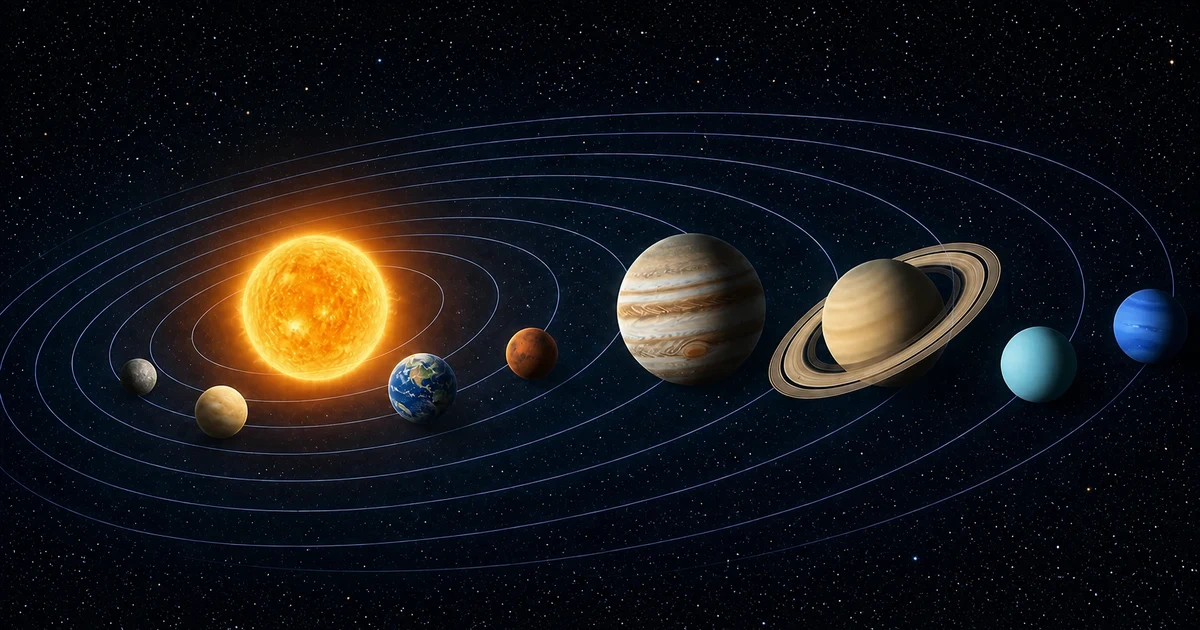
Mercury, Venus, Earth, Mars, Jupiter, Saturn, Uranus, and Neptune are all included. View the solar system from different angles and tap the planet named in each question.
How to Play the 3D Solar System Game
Read the target name, drag to rotate the 3D view, and scroll or pinch to zoom before tapping the correct body. Use Game View for the quiz, Comparison View to inspect equal-sized bodies on simple orbits, and True Scale View to compare real size and distance ratios.
Clues for Identifying the Planets
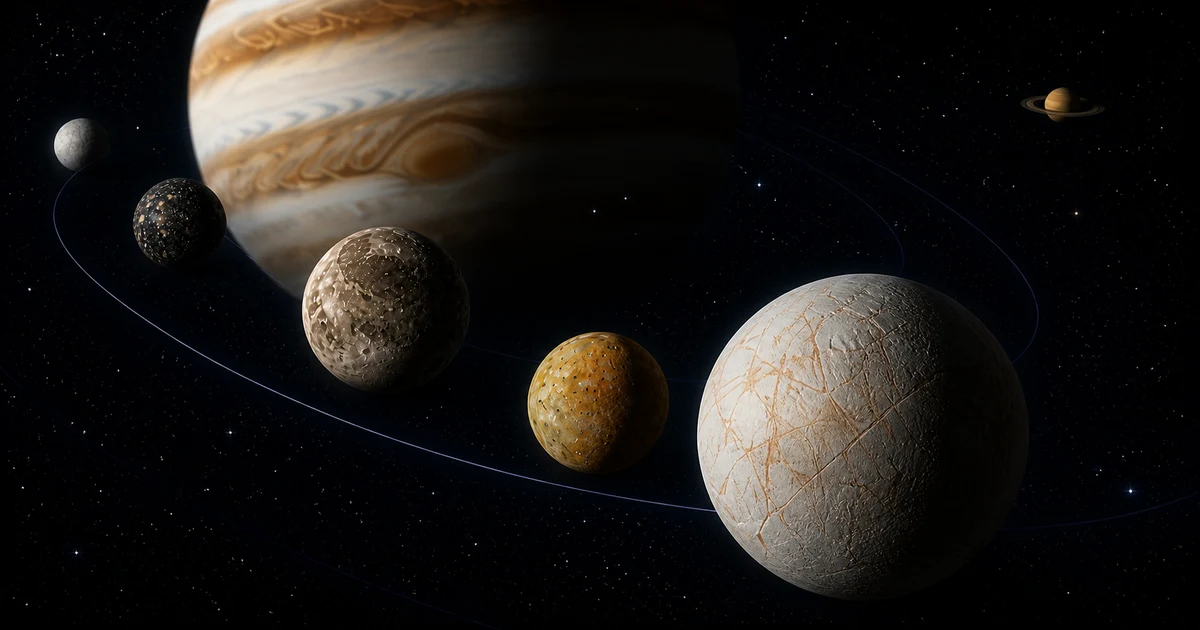
Their order and orbital distance from the Sun are key clues, along with relative size, color, and visible features. Look for Jupiter's bands, Saturn's rings, and the blue tones of Uranus and Neptune.
Learn Locations and Features Through Exploration
Instead of memorizing names alone, you search by connecting each body with its distance from the Sun, parent planet, orbit, color, and surface features. Repeated play helps link celestial body names to their positions within the solar system.
About Scale, Orbits, and Time
The astronomical relationships are preserved where possible, while some visual elements and speeds are adjusted to make the game readable and playable. Game and Comparison Views are not shown to scale.
- Controls and selection
- Drag to rotate the view and scroll or pinch to zoom. Tap an answer body to select it. In the moon game, select a planet to switch to a planetary-system view containing only that planet and its included moons, then use the back arrow on the left to return to the full Solar System. In Game or Comparison View, tap empty space to stop or restart orbital motion; the question timer continues.
- Passage of time
- The simulation starts from an approximate position for the current date. In Solar System Mode, planets move at 1 real second per 30 days, so playback after the start is not a live view of the current Solar System. In Planetary System Mode, each planet uses a speed at which its innermost included moon completes an orbit in about 15 seconds. Other moons retain their real orbital-period ratios, so distant moons may appear almost still. True Scale View and the Information window pause both the simulation and game timer.
- Rotation
- Rotation direction follows public data. Displayed rotation speed is adjusted separately from orbital time and does not reproduce the real time ratio. Bodies without rotation-period data rotate at a fixed observation speed so their surfaces and shapes remain visible. In Planetary System Mode, the planet rotates once every 12 to 20 seconds.
- Positions and orbits
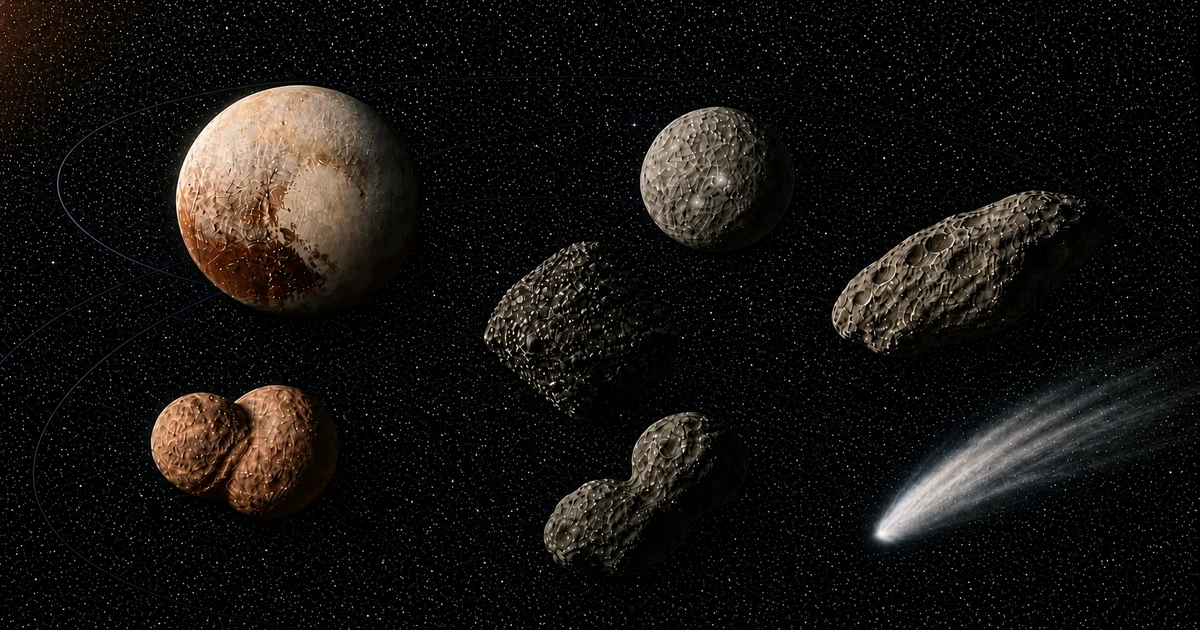
- Initial positions and elliptical orbit shapes, inclinations, and orientations are approximated from public orbital elements. Game View compresses planet distances nonlinearly. Planetary System Mode also compresses moon distances and separates close orbits while retaining their order and broad shapes. Some systems receive a shared starting-angle adjustment to avoid the interface. The dwarf-planet and small-body game compresses its wide orbital range logarithmically and caps the displayed eccentricity of extremely elongated orbits in Game View for readability and control. This is an educational visualization, not a high-precision real-time ephemeris.
- Three display views
- Game View adjusts body sizes and orbit spacing nonlinearly for a readable quiz. Within each planetary system, the largest included moon uses about one-third of the parent planet as its base size; the others retain their real size order while the differences are compressed. Dwarf planets and small bodies also retain their real size order while differences are compressed; tiny bodies receive a minimum display size and additional enlargement on small screens. Comparison View gives answer bodies equal apparent sizes and evenly spaced circular orbits. True Scale View preserves real size and distance ratios among included bodies and pauses time. Position markers are selection controls, not physical sizes, and can zoom to bodies selectable in each game.
- Surface appearance
- Textures are processed from observation images and scientific visualizations for 3D display. When global coverage is unavailable, unobserved areas use a neutral fill or simplified representation and are not claimed as observed terrain. The five major Uranian moon maps are turned north-to-south so mapped terrain faces the default camera. Colors are not guaranteed to be natural color, and some light and dark areas come from 3D illumination.
Image and Texture Credits
Surface views use processed observation and visualization material from NASA, JPL, and USGS, together with CC BY 4.0 Solar System Scope textures based on NASA data. Detailed object-level credits are recorded in the asset ledger. Main sources: NASA Scientific Visualization Studio, NASA 3D Resources, USGS Astrogeology, Solar System Scope (CC BY 4.0)