
3D Solar System Learning Guide
The 8 Planets of the Solar System | Names, Order & 3D Guide
Explore all eight Solar System planets in 3D. Learn their names, order, orbits, sizes, surface features, observation images, and detailed facts from Mercury to Neptune.
Ready to test your knowledge?
Play the GameHow to use this 3D guide
- Match bodies with their namesToggle the name labels in the upper left to connect each visible body with its name.
- Change the view and perspectiveDrag and zoom through space, then switch among Game, Comparison, and True Scale views.
- Study images and factsSelect a study target to view its observation image, identifying features, and available physical and orbital facts. In moon learning, the Sun and planets provide navigation and positional context; only moons open details.
Celestial bodies in this 3D guide (8)
Review each body’s name, observation image, position, and key identifying features. Select a body in the 3D view above for its full details.
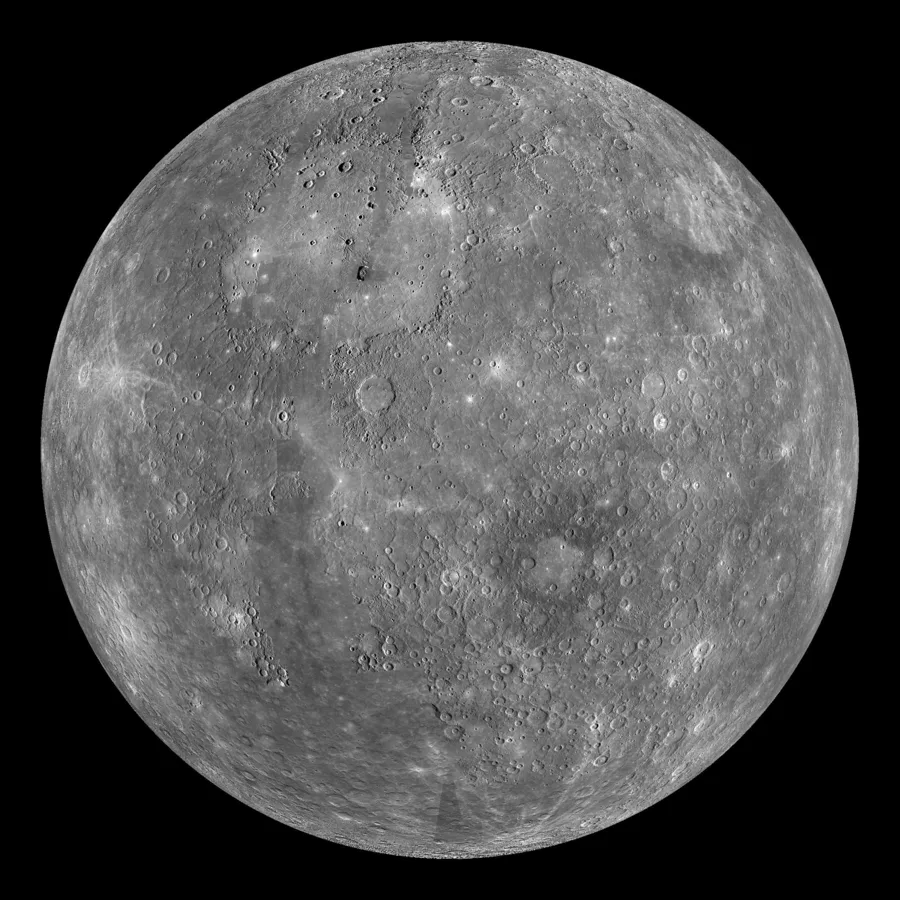
Mercury
The smallest planet, closest to the Sun, with a gray cratered surface.
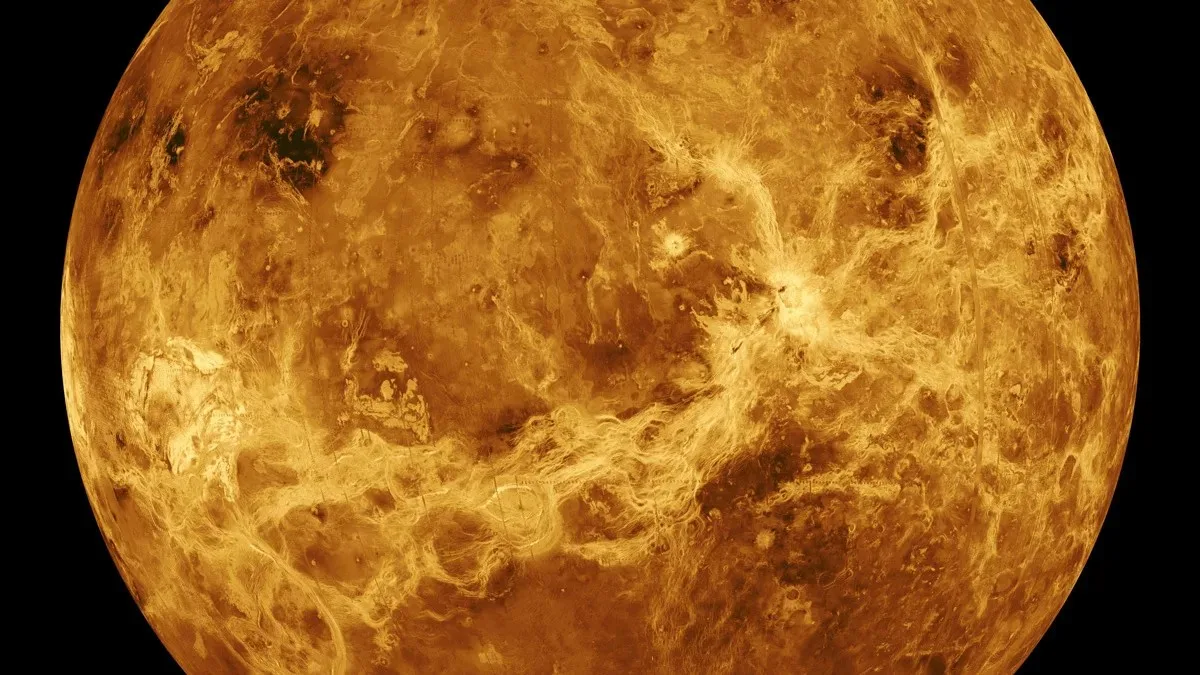
Venus
A pale yellow world hidden by thick clouds, rotating slowly backwards.
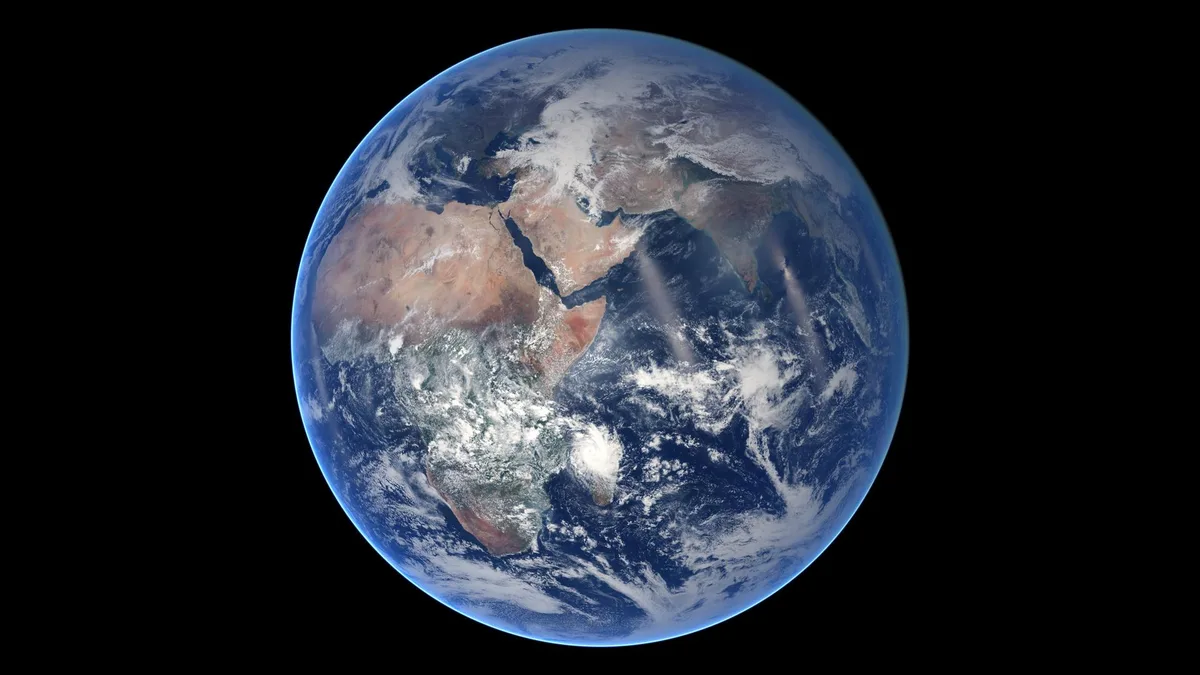
Earth
The blue ocean world with white clouds and one large moon.
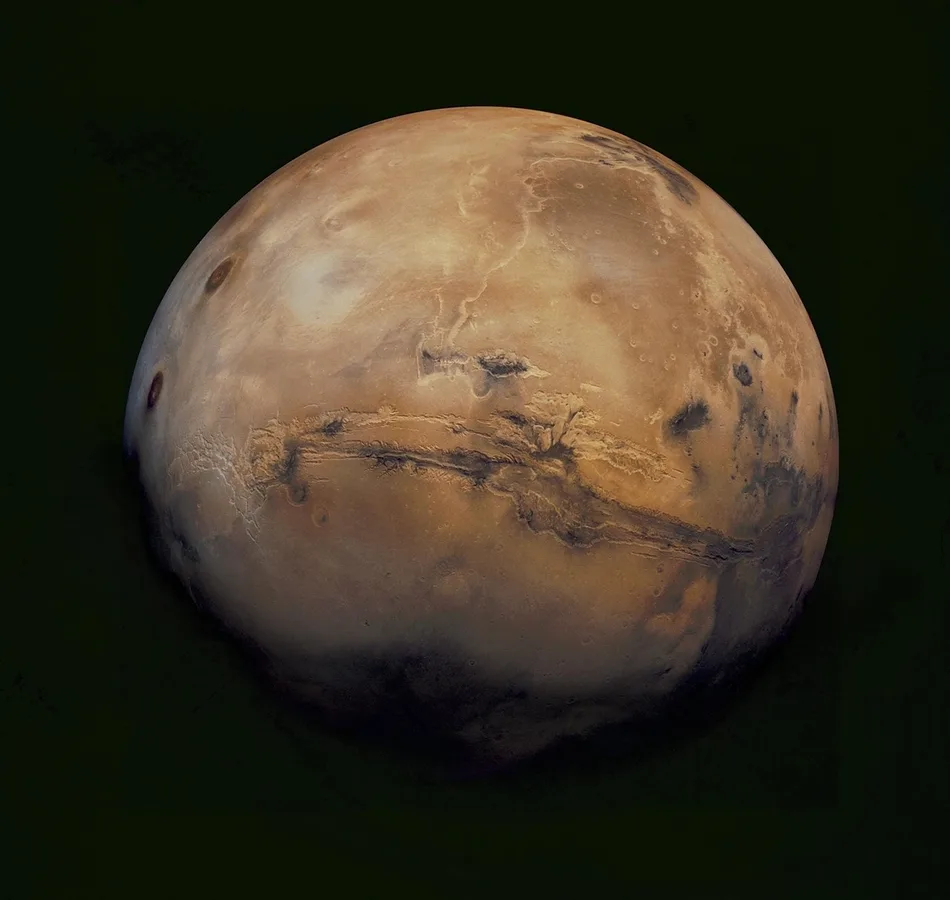
Mars
The red iron-rich planet orbited by Phobos and Deimos.
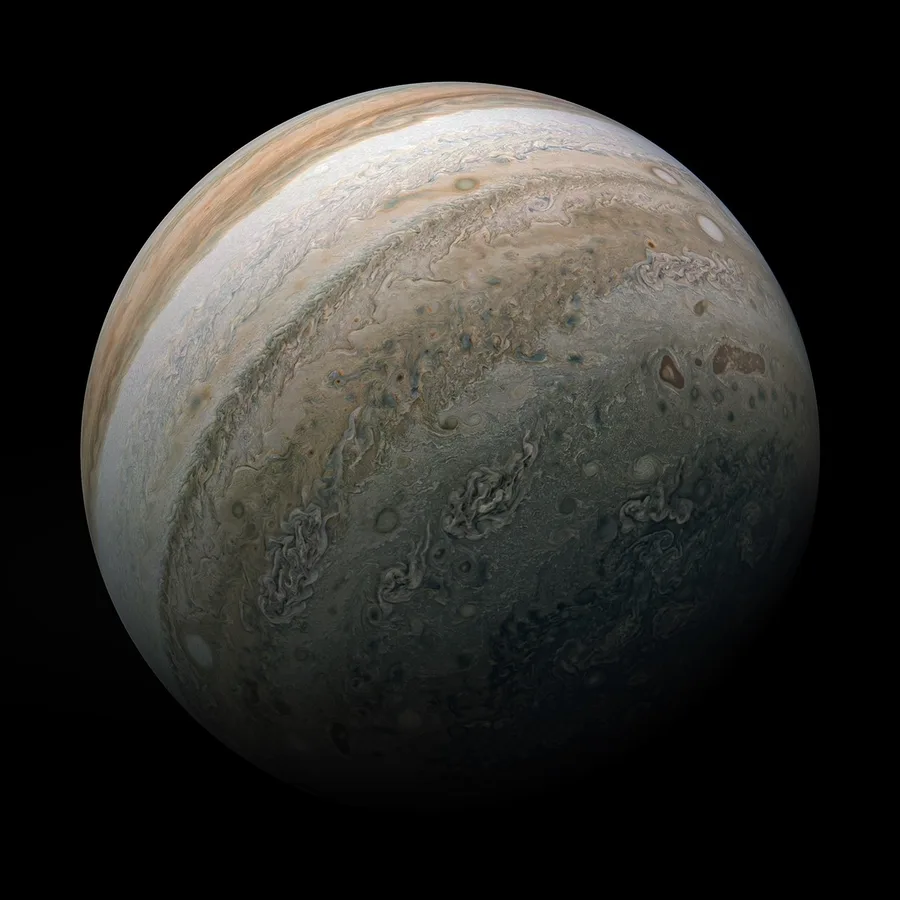
Jupiter
The largest planet, recognized by cloud bands and the Great Red Spot.
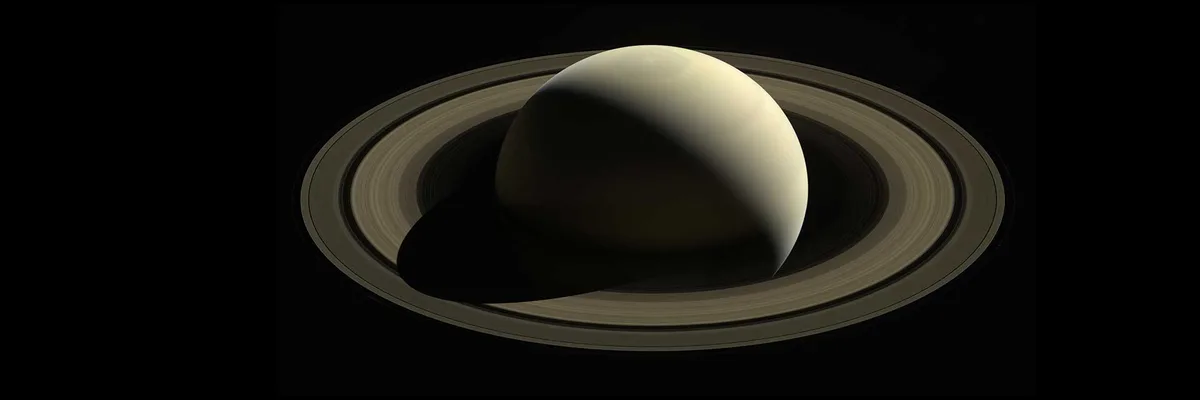
Saturn
The giant planet with the Solar System's most prominent rings.
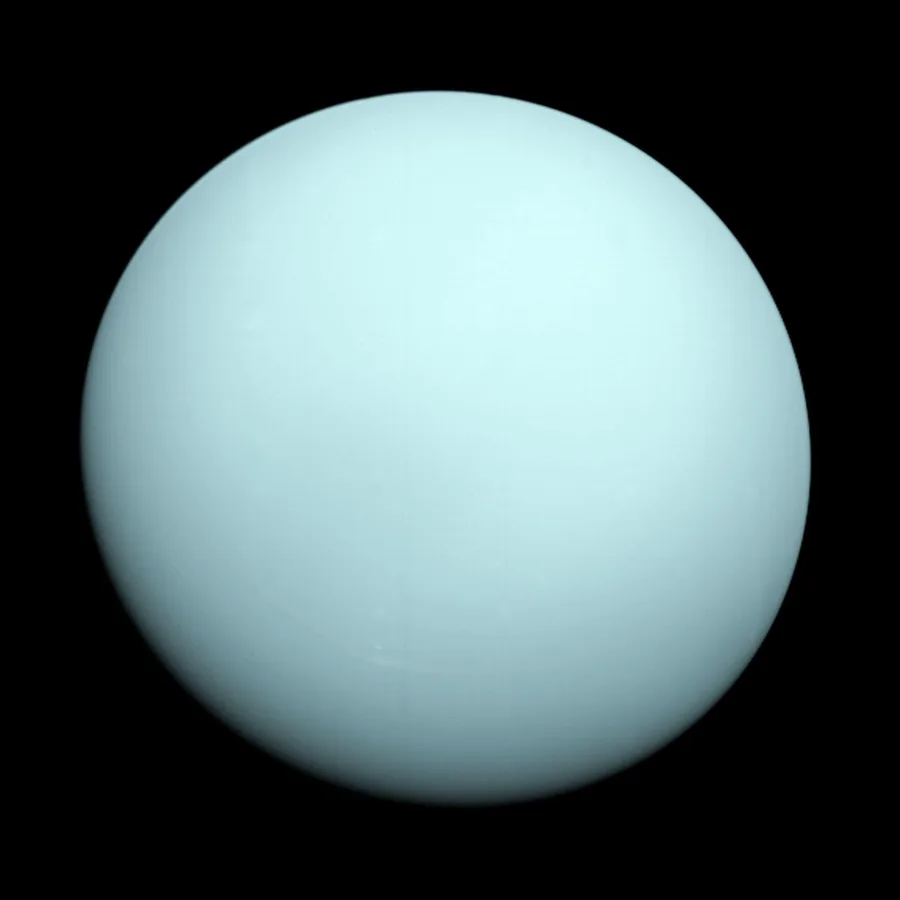
Uranus
A blue-green ice giant rotating almost on its side.
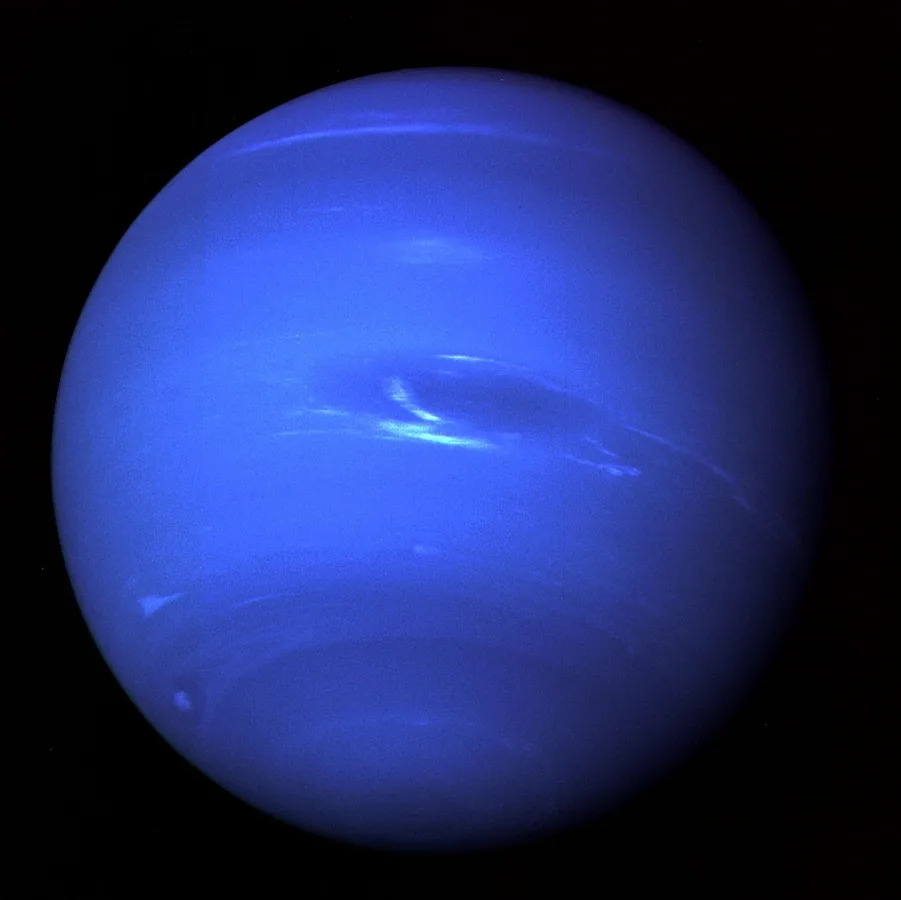
Neptune
The outermost deep-blue planet, known for extremely strong winds.
Three display views
Switch views to study surface appearance, spatial relationships, and real scale as separate kinds of information.
Game View
The standard view adjusts body sizes and orbit spacing nonlinearly. Broad size and orbit order are retained where possible, but the ratios are not to scale.
Comparison View
Relevant bodies share the same apparent size and evenly spaced circular orbits, making surfaces easier to compare. This view does not teach size, distance, eccentricity, or orbit orientation.
True Scale View
Real size and distance ratios among the included bodies are preserved. Position markers are screen-space controls for selecting tiny bodies, not physical objects or body sizes. Select a marker to travel to that body.
Where the display differs from real scale
These notes explain the size, distance, speed, position, and surface adjustments made for readability and control. Game and Comparison Views are observation aids, not scale models or high-precision real-time ephemerides.
Passage of time
The simulation starts from an approximate position for the current date. In Solar System Mode, planets move at 1 real second per 30 days, so playback after the start is not a live view of the current Solar System. In Planetary System Mode, each planet uses a speed at which its innermost included moon completes an orbit in about 15 seconds. Other moons retain their real orbital-period ratios, so distant moons may appear almost still. True Scale View, Information, and body details pause celestial motion.
Rotation
Rotation direction follows public data. Displayed rotation speed is adjusted separately from orbital time and does not reproduce the real time ratio. Bodies without rotation-period data rotate at a fixed observation speed so their surfaces and shapes remain visible. In Planetary System Mode, the planet rotates once every 12 to 20 seconds.
Positions and orbits
Initial positions and elliptical orbit shapes, inclinations, and orientations are approximated from public orbital elements. Game View compresses planet distances nonlinearly. Planetary System Mode also compresses moon distances and separates close orbits while retaining their order and broad shapes. Some systems receive a shared starting-angle adjustment to avoid the interface. The dwarf-planet and small-body game compresses its wide orbital range logarithmically and caps the displayed eccentricity of extremely elongated orbits in Game View for readability and control. This is an educational visualization, not a high-precision real-time ephemeris.
Three display views
Game View adjusts body sizes and orbit spacing nonlinearly. Within each planetary system, the largest included moon uses about one-third of the parent planet as its base size; the others retain their real size order while the differences are compressed. Dwarf planets and small bodies also retain their real size order while differences are compressed; tiny bodies receive a minimum display size and additional enlargement on small screens. Comparison View gives relevant bodies equal apparent sizes and evenly spaced circular orbits. True Scale View preserves real size and distance ratios among included bodies. Position markers are selection controls, not physical sizes.
Surface appearance
Textures are processed from observation images and scientific visualizations for 3D display. When global coverage is unavailable, unobserved areas use a neutral fill or simplified representation and are not claimed as observed terrain. The five major Uranian moon maps are turned north-to-south so mapped terrain faces the default camera. Colors are not guaranteed to be natural color, and some light and dark areas come from 3D illumination.
Ready to test your knowledge?
Play the Game